Agentic Accounting With Confidence: Introducing Write MCP and Locked Period Controls

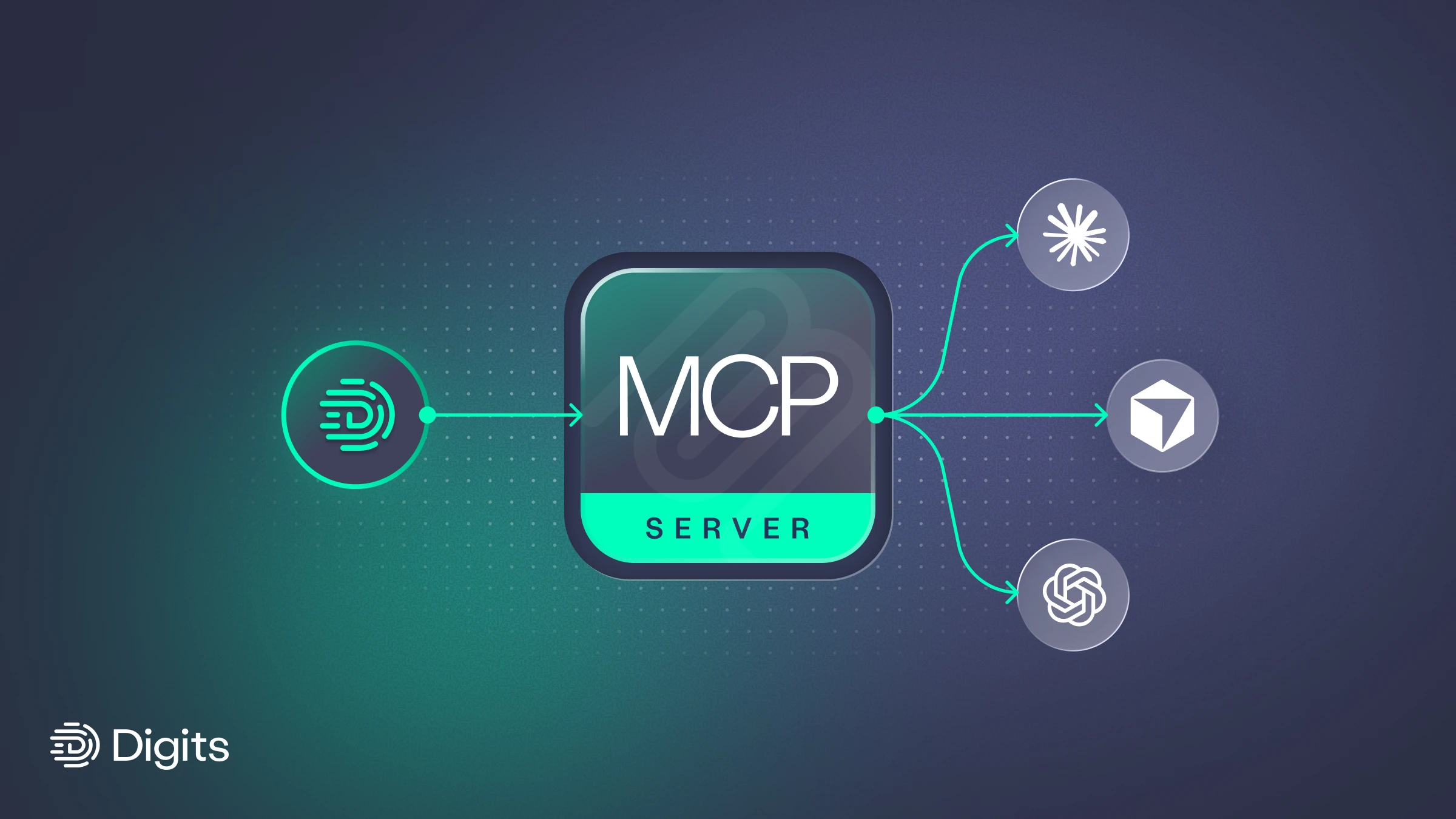
Since we launched Digits MCP back in April, we've been overjoyed to see the range of powerful automations accountants have built.
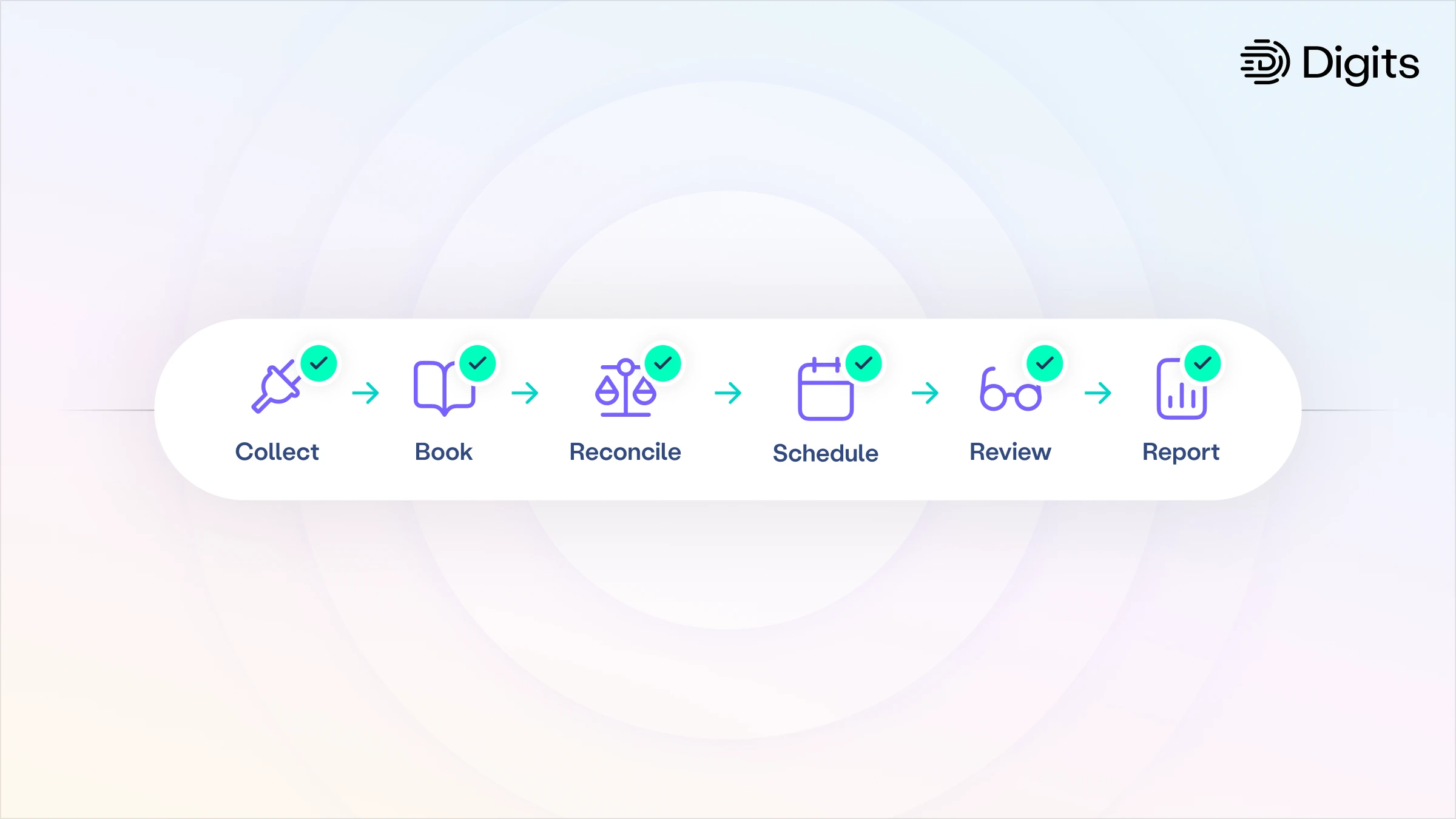
One firm used Claude to generate visual month-end close flowcharts to share with their clients, helping align on the close process and justify outcome-based pricing. Others have used it for forward-looking work: a 13-week cash flow forecast, a full 2026 budget built from GL data, and budget-versus-actual reporting that comes with the analysis already attached.
But what about actually doing the accounting?
MCPs matter because software has a new kind of user. AI agents don’t just read about your business anymore. They log in, take action, and change things. That’s powerful. It also raises the stakes, because not all software is equal. An agent editing a Google Doc can make a messy draft. An agent writing to your general ledger is touching the system of record for every dollar you earn, spend, and owe. The question isn’t just whether an agent can use your accounting software. It’s whether that software was built to let it do so safely.
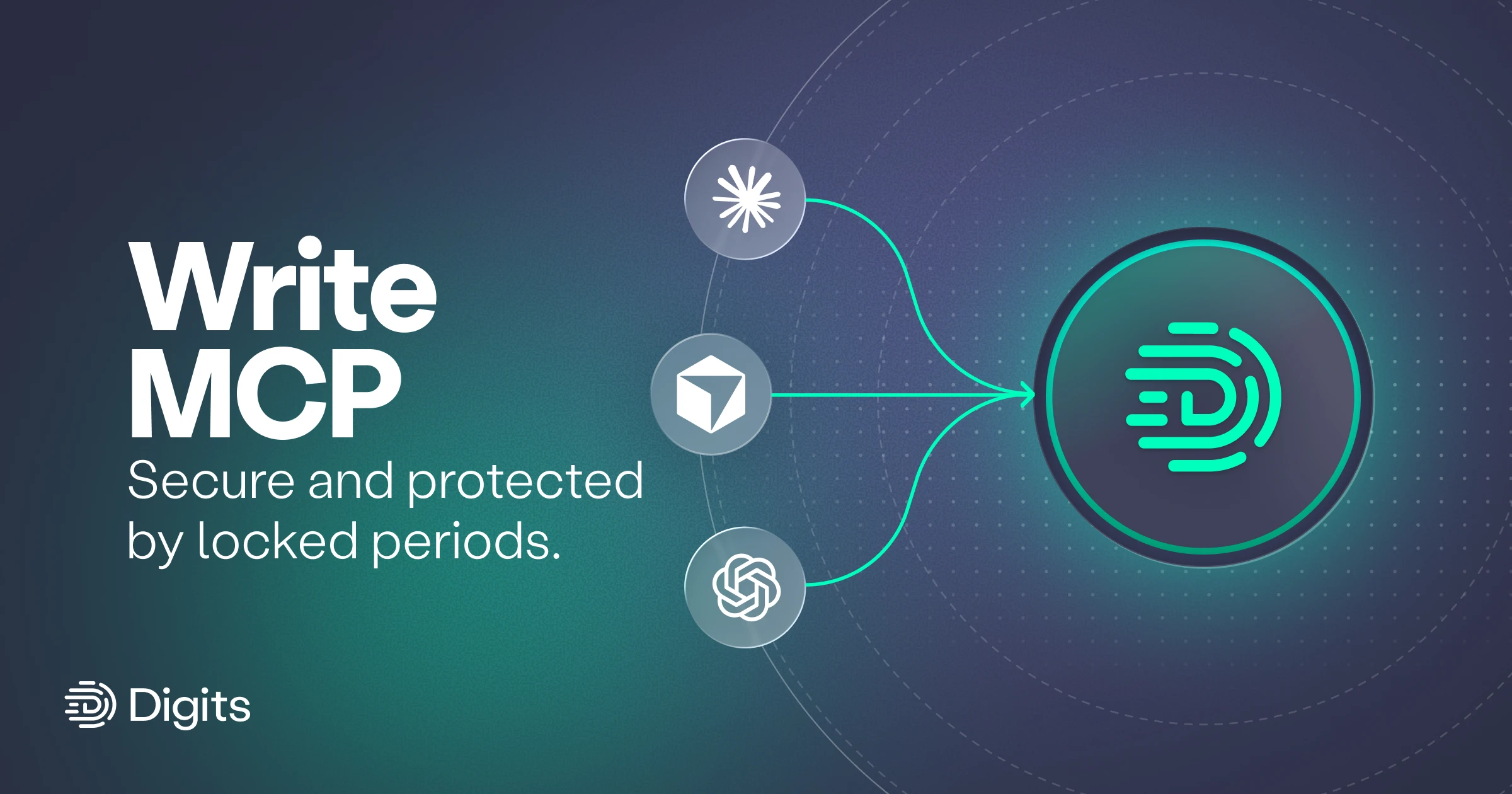
Today, we are excited to announce our Write MCP with Locked Periods: a new way to balance the power of agents doing the work with the control that accountants require.
Locked Periods
Traditional accounting software takes a relatively basic approach to closed periods. Once the month is over, and the books are done, you can mark that month as closed to restrict accidental edits. Unfortunately, the mechanisms are somewhat comical: either it just warns you with a popup, or you can set a password. Once your team knows the password, all bets are off.
In the age of agents, trust and safety is paramount. A rogue agent will not be swayed by a popup warning. What will happen when it discovers your closed period password?
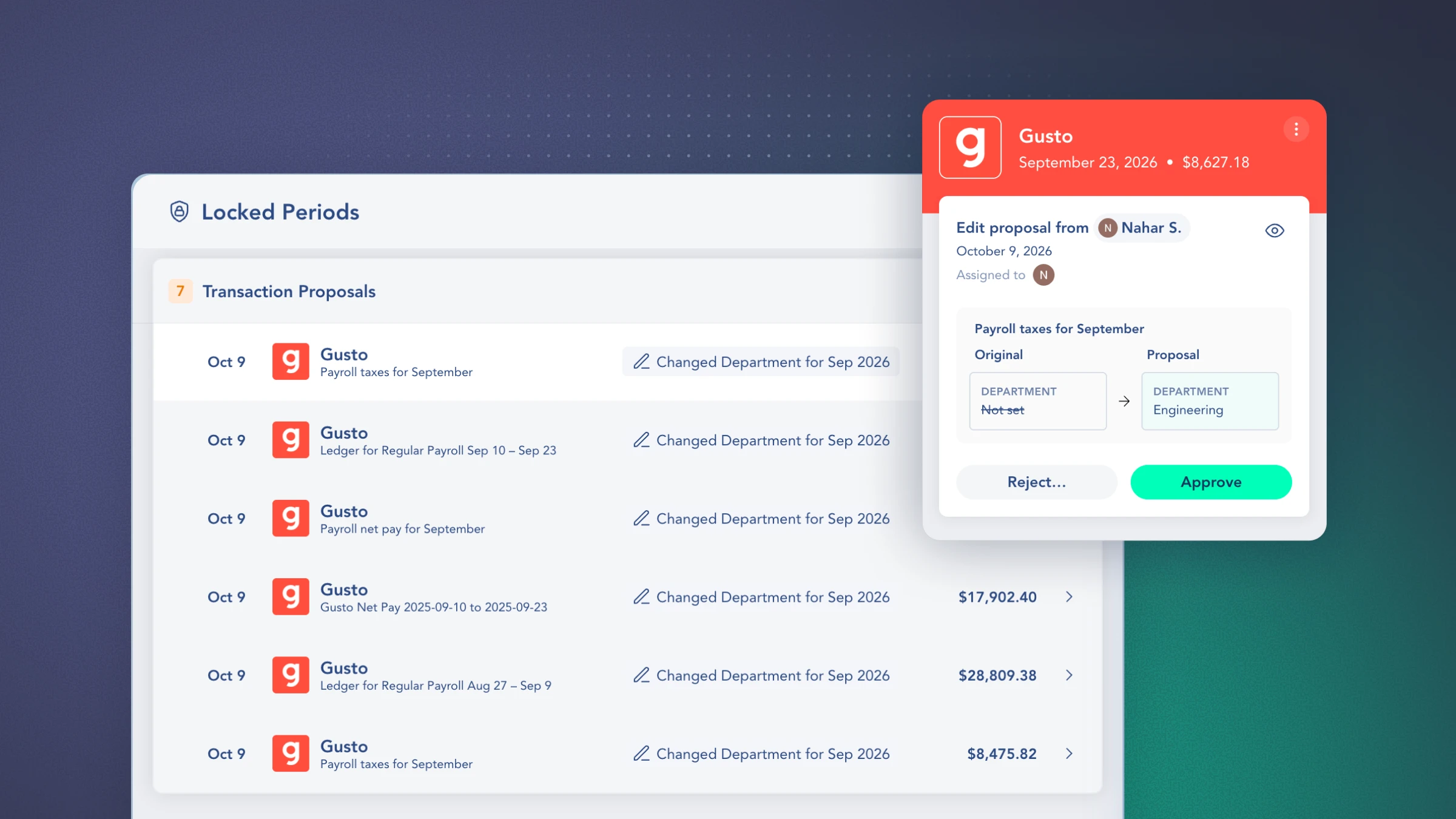
We designed and built Locked Periods with both humans and agents in mind. The concept is simple, but powerful: once a period is locked, all edits go through a proposal and review queue.
Admins/managers have the power to lock and unlock periods and approve proposed changes. Standard users and agents are free to do their work across the books. If the period is open, the changes apply automatically. If the period is locked, the changes are automatically queued for review.
Shipping Locked Periods gives us more than a way to officially close the books. It gives us the guardrails we needed to let agents do the work!
Write MCP with controls is here
Your agent is only as good as the tools it has access to. We've taken a robust approach to ensure Digits is, and continues to be, the ledger of choice for agents. We have focused our write tools in four key product areas:
Transactions: recategorize, edit fields, fix split lines, and write Journal Entries
Bills: create, code, and correct bills
Invoices: draft, update, and clean up invoices
Chart of accounts: add, rename, and update accounts
Digits MCP is free and it connects directly to Claude, ChatGPT, Cursor, and any MCP-compatible tool.
Customer proof: Arclow closes client books 4x faster
Arclow is an AI-native accounting practice. It handles bookkeeping, monthly close, and taxes for startups and growing companies, and a licensed CPA reviews every close. The firm built its practice on Digits, and its team was among the first to put the Digits Write MCP to work on real client engagements. One morning, an Arclow staff accountant used Claude on the Digits MCP to book entries and reconcile the Q3 closes for two clients, one SaaS company and one e-commerce brand.
My staff accountant ran two clients’ Q3 closes through Claude on the Digits MCP. Work that takes about seven hours by hand was done in an hour and forty minutes, roughly four times faster. He finished in the morning and went to lunch with peace of mind.
— Kangsan Wyi, Founder & CEO, Arclow
Get started today
Connect the Digits MCP to Claude, ChatGPT or Cursor.
Check your role. Your agent only sees the write tools your Digits role allows.
Tell it what to do. For example:
"Find every Stripe fee categorized as Software this quarter and move it to Merchant Fees."
"Compare our chart of accounts to this list and create the accounts we're missing."
"Draft invoices in Digits from these billing notes."
"Review last month for recurring expenses that haven't posted and book them."
Review what changed or requires your approval for a change.
Agents can now do the accounting safely
Giving agents write access is easy. Doing it safely is what matters. In Digits, agents work within your permissions, locked periods stay locked, and nothing changes in a closed period without your review and approval. Choose software that was built to let agents work safely.
Jeff Seibert is the founder and CEO of Digits, the world's first AI-native accounting platform. He previously served as Twitter's Head of Consumer Product and starred in the Emmy Award-winning Netflix documentary The Social Dilemma.
Jeff was co-founder and CEO of the mobile performance analytics company Crashlytics, which was acquired by Twitter in 2013. Now owned by Google, Crashlytics runs on over 6 Billion monthly-active smartphones and is the market-leading crash reporter for both iOS and Android.
A self-taught programmer, Seibert released his first app at the age of 13 and went on to graduate from Stanford with a B.S. in Computer Science. He's angel-invested in almost 100 startups and was named one of Insider's Top 100 Seed VCs in 2021.


Stay up to date with Digits
Unsubscribe anytime.