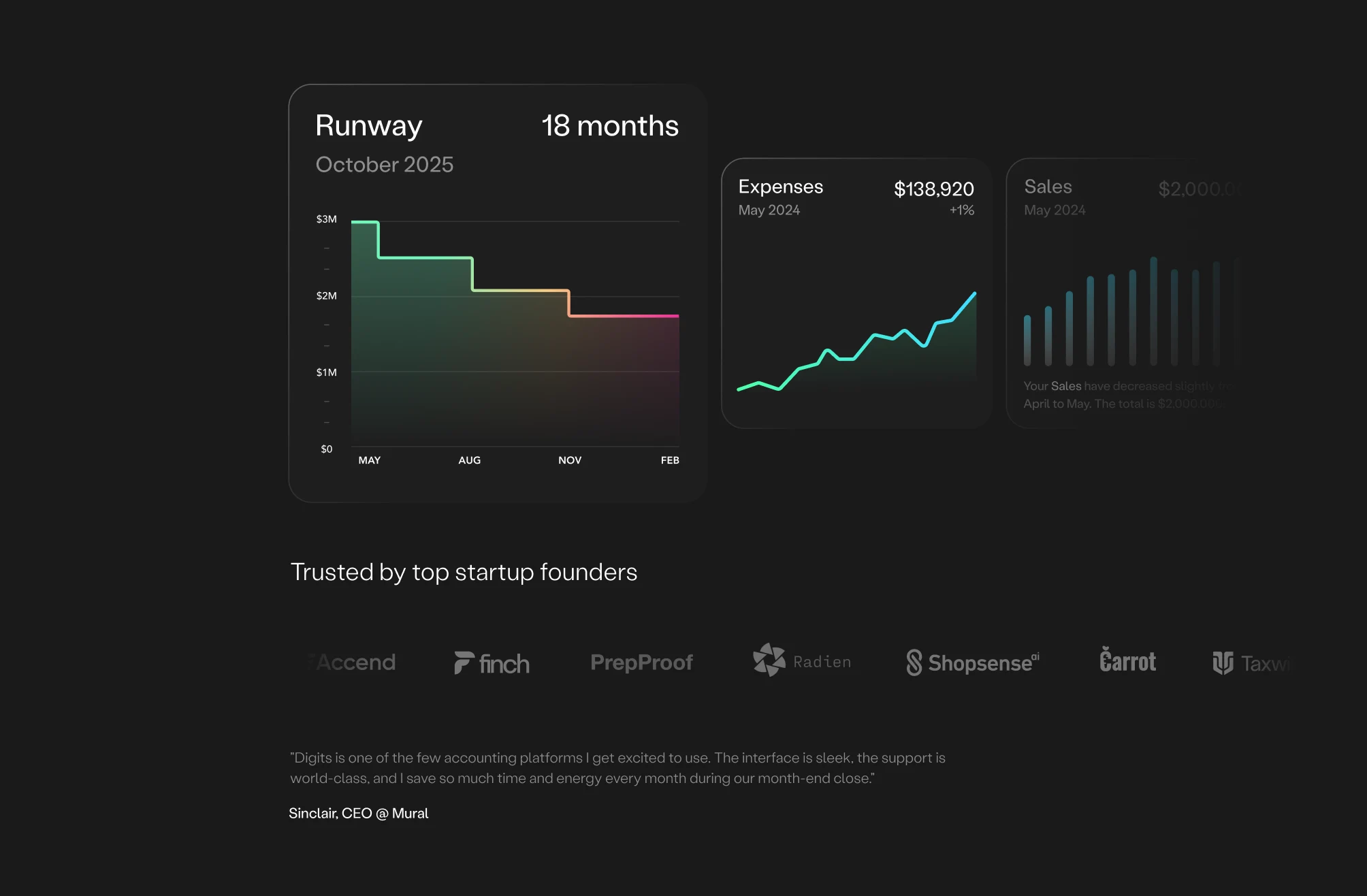


















-

Digits is INCREDIBLE! So intuitive, interactive, very easy to pickup and finally gives the right information beyond spreadsheets. The AI categorization is amazing and so reliable.
Ellie Jaman
CEO, Wscripted
-

The combo of the modern dashboard with accessible metrics and an accounting team who can actually handle nuanced questions and needs is perfect.
Kayvon Beykpour
Founder Periscope, former Head of Product, Twitter
-

I don't spend time on accounting, and I love that I don't spend time on it.
Michael Ducker
Co-founder & CEO, Blaide
-

The interface is sleek, the support is world-class, I save so much time and energy every month during our month-end close.
Sinclair Toffa
Founder & CEO, Mural
-

The Digits AI Invoicing tool has made managing my business finances so much easier. Having everything in one place means I can track invoices, payments, and cash flow without jumping between different platforms.
Matthew Hurd
Founder, MH Anesthesia
-

This is hands down the smoothest invoicing tool I’ve used. Everything just works, and we’re spending way less time dealing with billing. Digits took invoicing from a tedious chore to something I barely think about. It’s fast, intuitive, and just makes sense.
Mark Reininga
Co-founder, Between Names




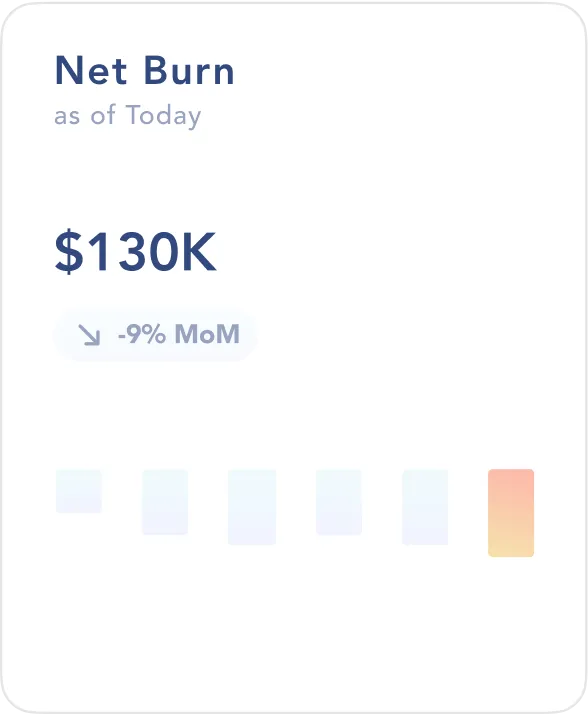
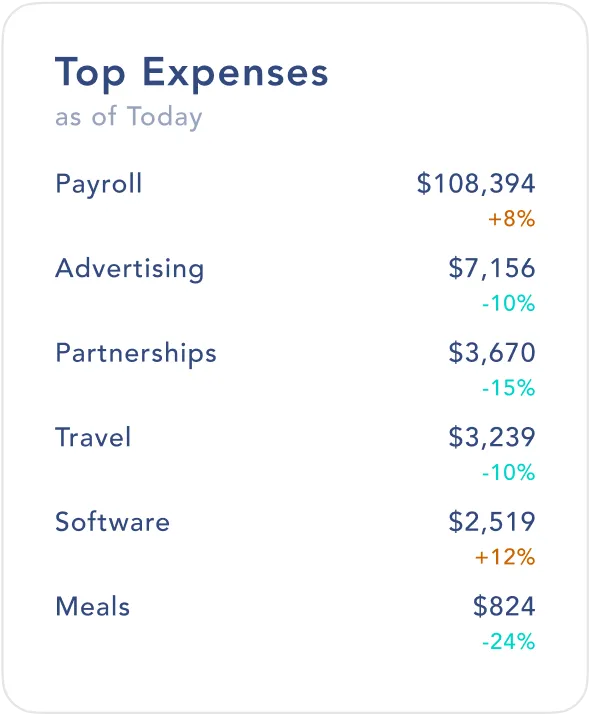
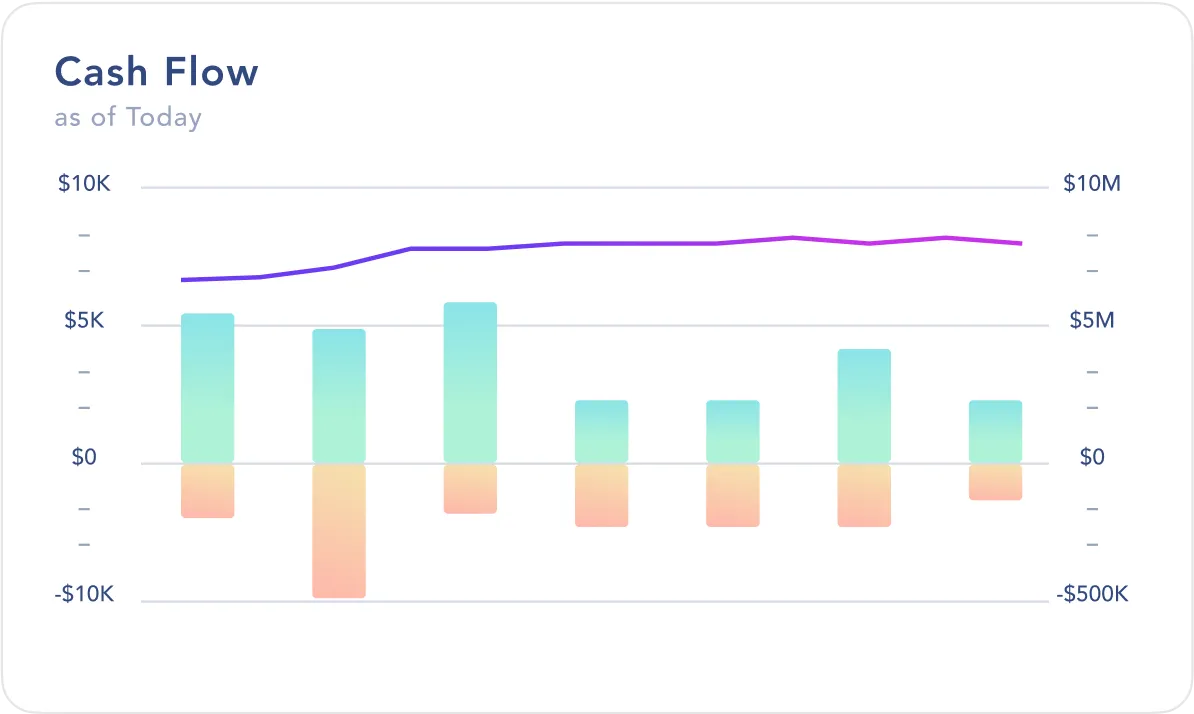


Experience the full power of Digits
Say goodbye to cluttered spreadsheets and outdated tools. Enjoy seamless connectivity and flow within a single platform from start to finish.
You deserve the best
| Digits | Traditional Firms | Other Platforms | |
|---|---|---|---|
| Accounting intelligence through specialized ML models |

|

|
|
| Instant, hallucination-free transaction categorization |
|
|
|
| Natively integrated financial operations |
|
|
|
| Endlessly explorable financial statements |
|
|
|
| Real-time quality checks |
|
|
|
| U.S. GAAP-compliant accounting |
|
|
|
| U.S.-based accountants |
|
|
|
| Clean up & historical bookkeeping |
|
|
|